Inspect the public page
The tool reads the page’s accessible structure and observes visible elements such as headings, navigation, spacing, colors, buttons, and media placement.
Plain-language guide
What is website cloner online? It is a browser-based way to study a public page and reproduce its visible structure, styling, and assets as a starting point for your own project. The result is a reference or editable draft, not ownership of the original site.
Start here
A website cloner turns a public URL into a practical visual starting point so you can inspect, adapt, and rebuild a page without beginning from a blank canvas.
Use a browser-first workflow to recreate a page from its public presentation.
See how a URL becomes the starting input for a structured page recreation.
Move from a visual copy toward an original page with your own content and purpose.
Core mechanism
The process is easier to understand when separated into what is inspected, what is reconstructed, and what still requires human judgment.
The tool reads the page’s accessible structure and observes visible elements such as headings, navigation, spacing, colors, buttons, and media placement.
It assembles a new working representation from page structure, styles, and available assets. The aim is a usable starting point rather than a claim that every hidden behavior has been copied.
You replace text, images, links, and interactions, then check the result on real screen sizes. This is where a reference becomes a site that belongs to your project.
What changes
A clone is most useful when it helps you see the difference between visual resemblance and a finished, responsible website.
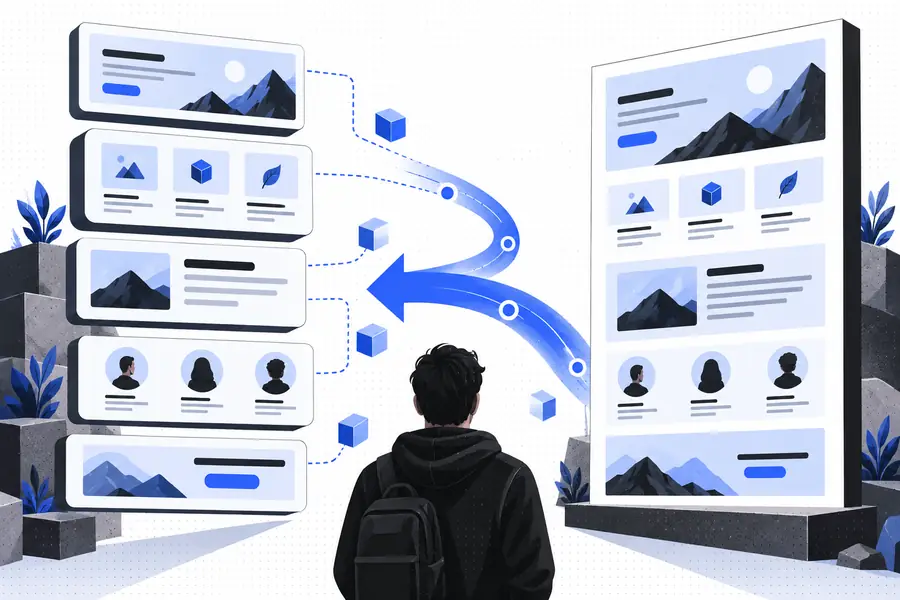
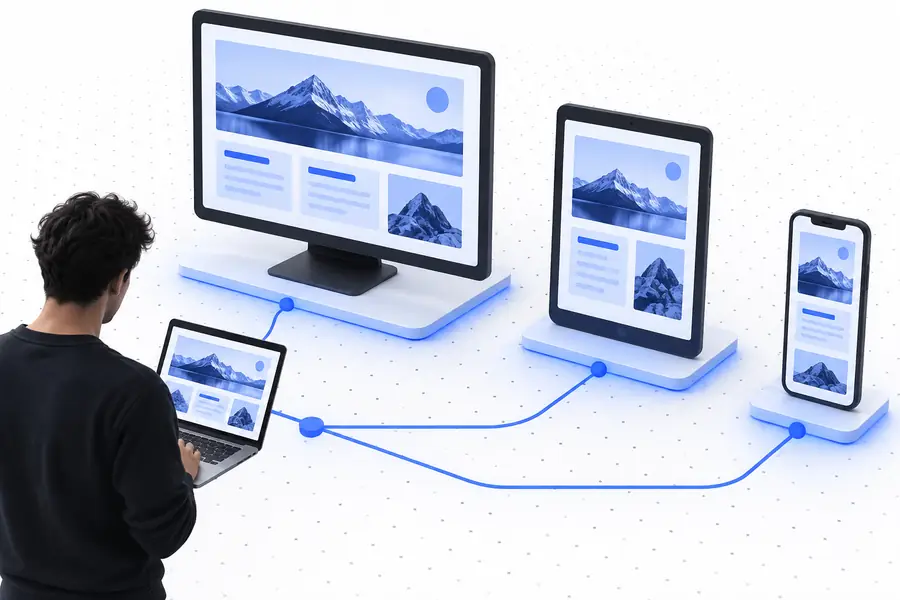
The structure can transfer; the identity must change.
Boundaries
The comparison below keeps expectations realistic. A website cloner handles visible presentation well, while ownership, private systems, and original product decisions remain outside the copy.
Usually reproducible
Visible sections, headings, navigation patterns, and content order can guide a new layout.
Still requires your work
You must decide which sections belong in your own information architecture.
Usually reproducible
Colors, spacing, borders, type hierarchy, and general composition can be used as references.
Still requires your work
Brand choices should be adjusted so the result has a distinct visual identity.
Usually reproducible
Images and visible illustrations may appear in the captured presentation when accessible.
Still requires your work
Use only assets you own, have permission to use, or replace with original material.
Usually reproducible
A visible desktop or mobile arrangement can suggest how the page should adapt.
Still requires your work
Breakpoints, overflow, and touch behavior need testing and often need manual fixes.
Usually reproducible
Public buttons and visible states can be mapped as interface references.
Still requires your work
Accounts, databases, APIs, payments, and server-side rules must be rebuilt separately.
Usually reproducible
The original page can reveal patterns for explaining a product or service.
Still requires your work
Your copy, offer, audience, legal details, and conversion goal must be genuinely your own.
Page anatomy
These are the practical layers most people evaluate when deciding whether a recreated page is useful as a starting point.
Who it helps
A website cloner is most valuable when the person using it knows what to keep, what to replace, and what must be rebuilt from scratch.
You need to understand a strong landing-page composition before creating a new direction for a client.
Use the recreated layout as a visual study, then replace the brand system and content with approved work.
clone website onlineYou want a quick structural reference for sections, spacing, and responsive states before writing components.
Turn the draft into maintainable code while verifying behavior, accessibility, and performance yourself.
clone website from urlYou have a clear example of the kind of service page you want but no useful first draft.
Start from an understandable layout, then make the message, visuals, and calls to action specific to your business.
how to clone a website and make it your ownMake the next move
Use the visual structure as a learning aid, not a finished identity. Once the draft exists, replace borrowed content, confirm asset rights, test every interaction, and shape the page around your audience.
Common questions
These answers clarify what the tool is designed to do and where a careful rebuild begins.
It is used to create a visual or structural starting point from a publicly viewable web page. Designers, developers, and business owners can use that starting point to study layout patterns and build a separate page with their own content and identity.
It examines visible page structure, styling, and accessible assets, then assembles a new representation of those elements. The result can resemble the source presentation, but hidden application logic and private backend systems are not automatically reproduced.
No. A tool may help with visible layout and public presentation, but it cannot guarantee a complete copy of private data, account systems, APIs, databases, or server-side behavior. Copyright, trademark, licensing, and access restrictions also limit what should be reused.
Usually not. A responsible workflow replaces source-specific text and media, checks that assets may be used, improves accessibility, tests responsive behavior, and connects the page to your own content and services before publication.