Read the public page
The source URL identifies the page to inspect. The workflow looks at visible structure, content relationships, styling cues, and publicly reachable assets.
URL-based workflow
A website cloner can clone website from URL and turn a public page into a practical starting point. Bring one source address, review the captured structure, then refine the result for your own project.
Related workflows
Choose the route that matches your input and desired result, then use the same careful review habits throughout.
Use a browser-based workflow when you want to inspect and recreate a page without installing software.
See how to approach a no-cost first pass while keeping the scope and source assets clear.
Explore where AI assistance can help interpret layouts, copy patterns, and responsive page structure.
Three mechanisms
The workflow separates capture, interpretation, and refinement so you can check the output instead of treating the first result as finished.
The source URL identifies the page to inspect. The workflow looks at visible structure, content relationships, styling cues, and publicly reachable assets.
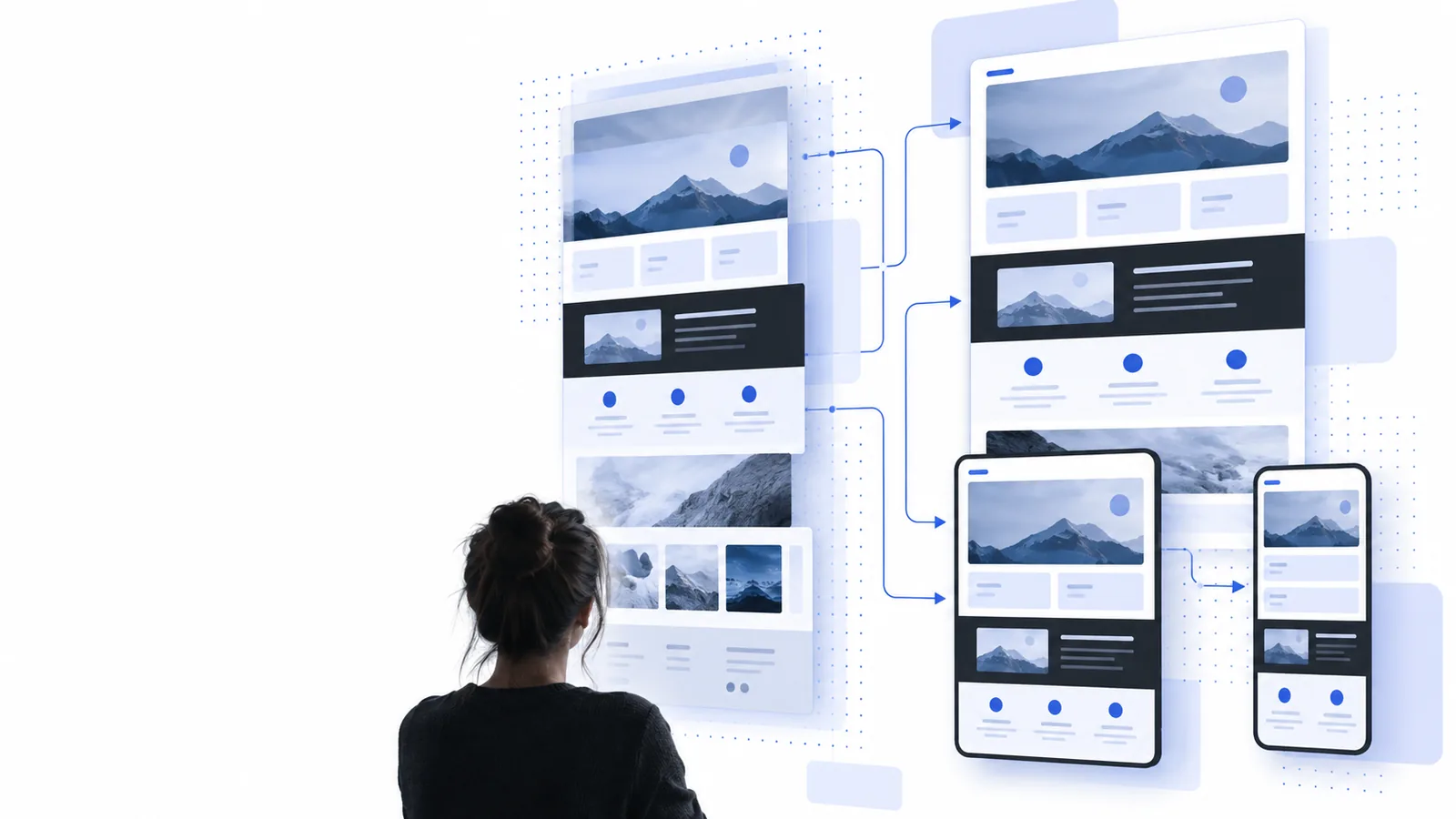
Sections are organized into a usable page model: navigation, hero content, repeated blocks, calls to action, spacing, and responsive priorities.
Review the generated result, replace content and assets you own, and adjust details until the page supports your purpose rather than copying the source blindly.
Output comparison
A URL-based clone is most useful when it preserves the source page’s design logic while giving you a separate place to make responsible changes.
Source website
Reference for layout, content hierarchy, and visual direction
Cloned starting point
Editable foundation for a new project
Source website
One publicly reachable web address
Cloned starting point
The submitted URL plus your revision instructions
Source website
Original text, images, links, and brand elements
Cloned starting point
Content you review, replace, or rewrite
Source website
Live production page with its existing implementation
Cloned starting point
Reconstructed sections arranged for further editing
Source website
Controlled by the original site’s rules
Cloned starting point
A behavior to test and adjust across screen sizes
Source website
Belongs to the original publisher
Cloned starting point
Must be adapted with permission and your own assets
Source website
Study what works and identify reusable patterns
Cloned starting point
Make the design distinct, accurate, and fit for your use case
Workflow at a glance
These quantities describe the practical shape of the URL workflow, not a promise that every source page will produce the same result.
Practical applications
A URL-based starting point is useful when the goal is to understand a page system quickly, not to publish another site’s work unchanged.
A designer needs to study how a landing page balances navigation, proof, and calls to action.
The reconstructed structure provides a faster reference for creating an original direction. Pair it with a website cloner free workflow when testing an early concept.
website cloner freeA developer receives a public reference page and needs a clear breakdown before rebuilding the experience.
A URL-based clone exposes the likely section sequence and responsive questions to resolve before implementation.
clone website onlineAn agency is preparing a discovery workshop and wants a tangible visual baseline for discussion.
The team can compare the source pattern with a distinct client solution while documenting which elements must change.
website cloner aiA class is learning how modern pages combine hierarchy, spacing, media, and conversion paths.
A cloned starting point makes those decisions easier to inspect, annotate, and redesign without treating the source as a final deliverable.
what is website cloner onlineMake a first pass
Paste the page you want to study, inspect the result, and use the output as a deliberate starting point for your own content and design decisions.
Common questions
Paste the public page address into the URL workflow and submit it for inspection. Review the reconstructed structure, then edit the content, styling, links, and assets so the result serves your own project.
A publicly reachable page is the most suitable starting point, but results vary with redirects, blocked resources, interactive features, and pages that require authentication. A URL clone should be treated as a starting point for review, not a guarantee of perfect reproduction.
It may identify publicly available visual assets and layout relationships, but availability depends on how the source page serves them. Replace assets you do not own and verify that every image, font, logo, and embedded resource is permitted for your intended use.
The technical act of studying a public page is different from publishing an indistinguishable copy. Respect copyright, trademarks, terms of use, privacy, and permissions, and make the final design and content your own before launch.
Yes. The useful purpose of a URL-based clone is to provide a reviewable foundation that you can reshape. Rewrite the copy, change the visual system, replace assets, test responsive behavior, and remove elements that do not belong in your project.