A clearer starting point

Find a free website cloner alternative that fits your workflow

A free website cloner alternative should help you inspect a public page, recreate its useful structure, and move into your own edits without adding needless friction. Website Cloner keeps the comparison practical: start with a URL, review the result, then make the work yours.

Website Cloner workspace for reviewing and recreating a web page

Three useful routes

Three ways to replace a fragile cloning workflow

Different visitors need different kinds of control. These use cases show where a free website cloner alternative can remove busywork while leaving the important creative decisions with you.

Independent designer

You need a fast visual starting point for a landing page, but you do not want to rebuild every spacing relationship from a blank canvas.

Use the reference as a structural guide, then replace copy, imagery, colors, and interactions with decisions that belong to your project. The result is a starting layout, not a finished identity.

clone website online

Frontend developer

A stakeholder sends a public page as a visual reference and asks for a similar information hierarchy in a new codebase.

Inspect the page in stages, identify reusable sections, and translate the useful patterns into maintainable components instead of treating the source as a black box.

clone website from url

Small business owner

You have found a page structure that communicates clearly, but you need a version that reflects your own services, voice, and contact path.

Begin with the broad arrangement, remove irrelevant sections, and turn the reference into an original page that supports your actual audience and offer.

how to clone a website and make it your own

Product or UX team

You are comparing patterns across public websites before planning a new page, flow, or campaign experiment.

Use a visual reference to discuss hierarchy and interaction ideas with more precision, then document what should be retained, changed, or rejected.

website cloner ai
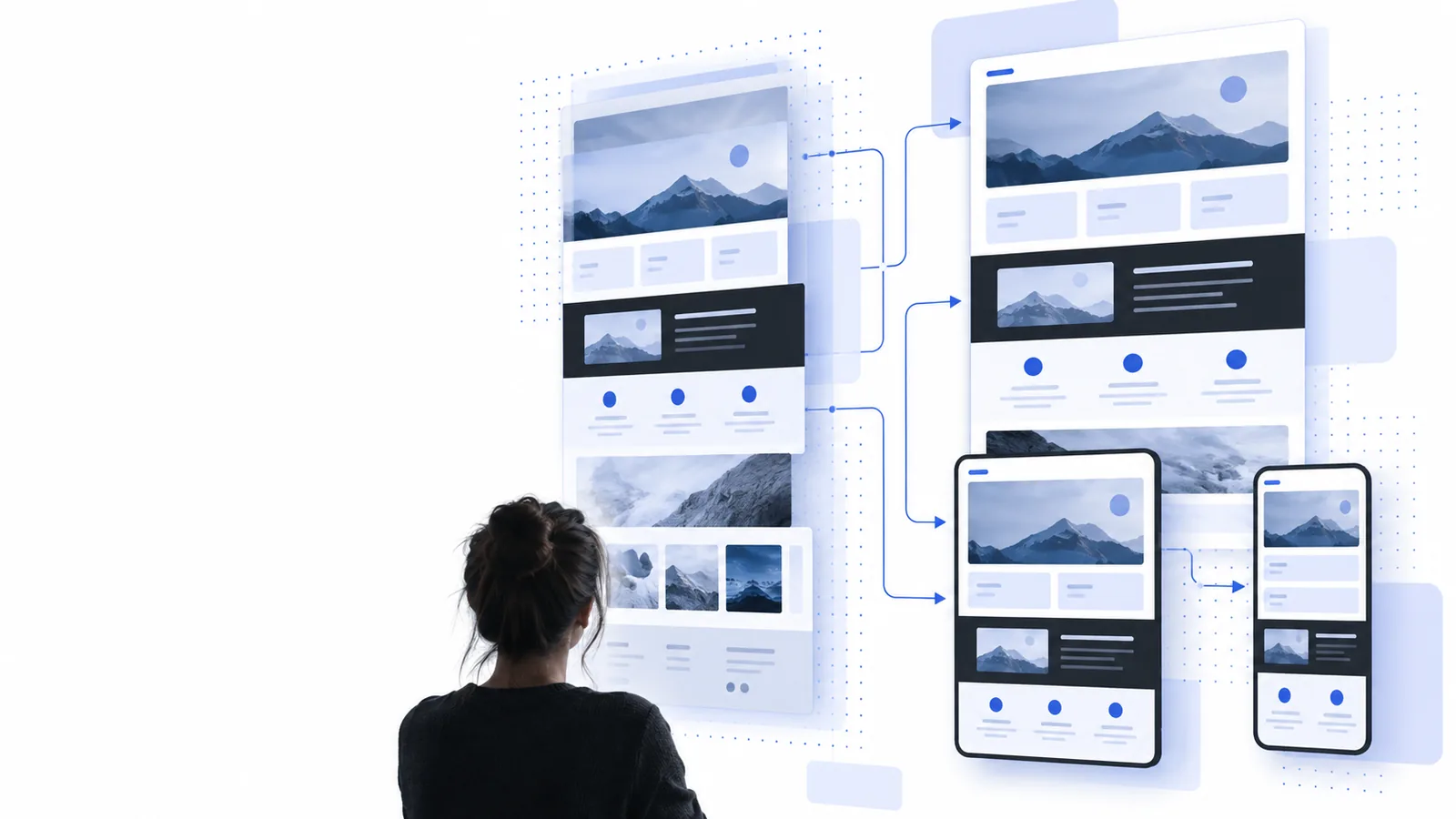
Simple workflow

How the alternative works

The workflow is deliberately short. Each stage answers a different question: what is the source, what is useful, and what should become yours?

Choose the reference

Start with the public page or URL you want to study. Confirm that you have permission to use the material and decide whether you are examining layout, content structure, interaction patterns, or all three.

Review the generated starting point

Use the result as a visual and structural draft. Check the page hierarchy, responsive behavior, assets, navigation, and forms instead of assuming that every visible detail transferred perfectly.

Rebuild with your own decisions

Replace source-specific copy, images, branding, and data. Keep only the patterns that serve your audience, then test the edited page on the devices and browsers that matter to you.

Know the edges

Limits and edges

A responsible free website cloner alternative makes the boundaries visible. It can accelerate inspection and reconstruction, but it cannot remove the need for judgment, permission, or testing.

It cannot grant ownership rights

Recreating the appearance of a public page does not give you permission to copy protected text, images, logos, code, or private assets.

WorkaroundUse the reference for learning and structure, verify permission, and replace protected material with content and assets you own or are licensed to use.

It cannot guarantee a pixel-perfect transfer

Responsive rules, custom fonts, third-party scripts, hidden states, and server-side behavior may not be visible from one page view. A visual match can also change across screen sizes.

WorkaroundTreat the output as a draft, compare it at several widths, and manually rebuild important states such as menus, forms, loading views, and validation messages.

It cannot reproduce private functionality

A public snapshot cannot reveal account logic, databases, payment processing, internal APIs, or permissions behind the interface.

WorkaroundMap the visible experience first, then connect your own services and data model with an implementation designed for your users.

It cannot decide what belongs in your version

A source page may contain sections that are irrelevant to your audience or even harmful to your conversion goal. Copying everything can create a confusing result.

WorkaroundKeep the hierarchy that helps comprehension, remove decorative or distracting parts, and rewrite the page around one clear user action.

At a glance

A grounded comparison

These reference points describe the scope of this route rather than promising an automatic finished site.

The Website Cloner site is available across six listed locales.
6 languages
The current site plan covers eight focused pages for common cloning questions and workflows.
8 routes
The recommended path moves from reference selection to review to original implementation.
3 stages

Make the next step clear

Start with a reference, finish with your own page

If another tool leaves you with a copied surface and no clear way forward, use the alternative as a structured first draft instead. Bring a public reference, inspect what makes it work, and change the parts that define your project. Website Cloner is most useful when it shortens the blank-page stage without pretending that design judgment, legal review, or implementation testing can be automated away.

  • Begin from a page or URL you can review
  • Separate reusable structure from protected material
  • Move from visual reference to original edits

Common questions

Questions about a free website cloner alternative

It is a tool or workflow that helps you study and recreate the visible structure of a public web page without relying on a paid or overly complex setup. The useful result is usually a starting point for your own design and implementation, not a license to duplicate someone else’s protected work.

You should only use pages and assets in ways allowed by their owner, license, terms, and applicable law. A public URL may be easy to view, but that does not automatically permit copying its text, images, branding, code, or private functionality.

Not reliably. Fonts, responsive behavior, third-party services, hidden states, server-side logic, and private data may not be available from the visible page. Treat the result as a draft to inspect, test, and rebuild rather than as a guaranteed pixel-perfect duplicate.

Replace the original copy, images, logos, data, and brand styling with materials that belong to your project. Then review the information hierarchy, accessibility, mobile behavior, forms, links, and performance before publishing or sharing the page.

Yes, when you use it as an inspection aid rather than a shortcut around understanding. Comparing the source with your own rebuild can reveal layout hierarchy, spacing systems, responsive choices, and interaction patterns that are easier to learn by examining a concrete example.

Start cloning
Start cloning