Inspect the reference
Note the page’s sections, navigation order, content hierarchy, repeated spacing, and responsive clues. Save only the observations you need; do not assume that visible assets are yours to reuse.
Practical tutorial
How to clone a website and make it your own starts with separating structure from identity. Use a website cloner to study a page, recreate its useful layout, and then replace the content, assets, and interactions with original work.
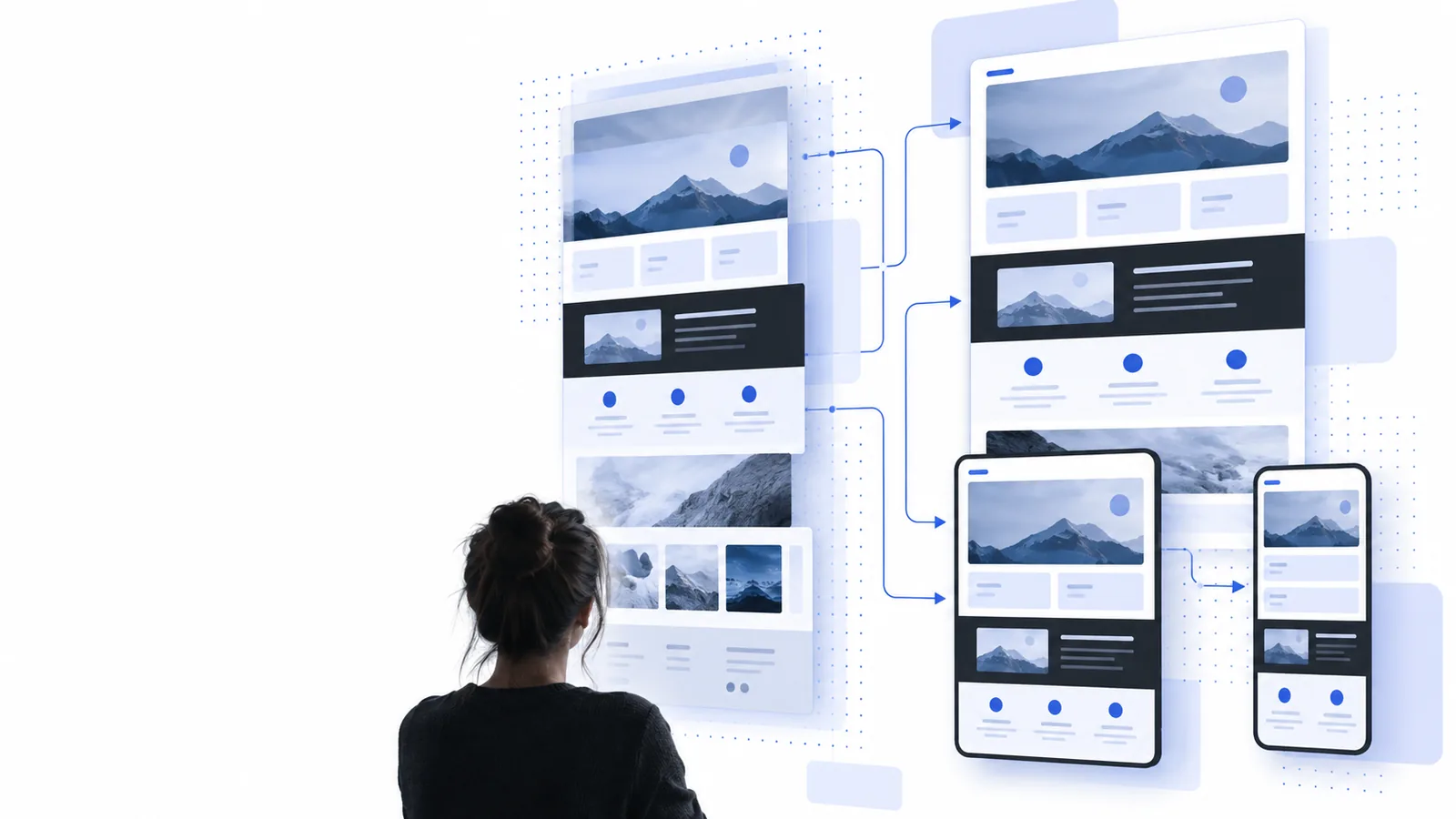
Limits and edges
A website cloner can accelerate structure and implementation, but it cannot grant ownership of someone else’s brand, content, code, or customer data. Treat the first output as a draft to review, not a finished publication.
Cloning a public page does not give you rights to its logo, photographs, illustrations, wording, trademarks, or private source files.
WorkaroundReplace protected material with original assets, licensed resources, and copy written for your own audience.
A website cloner can work from what a browser can see, but it cannot honestly recreate private dashboards, server logic, payment systems, or restricted APIs without access.
WorkaroundList the behavior you need and rebuild it with your own backend, approved integrations, or a simpler public workflow.
Fonts, browser rendering, responsive breakpoints, animations, and third-party widgets may look different after recreation, especially on small screens.
WorkaroundCheck the draft at common widths, compare spacing and typography, and adjust the highest-impact differences by hand.
A copied layout may be visually convincing while still being confusing, inaccessible, slow, or poorly matched to your visitors.
WorkaroundUse the clone as a reference, then rewrite the hierarchy around one audience, one promise, and one clear next action.
Three-stage method
The safest process is short: inspect the reference, generate a working draft, and turn that draft into an original site through deliberate editing and testing.
Note the page’s sections, navigation order, content hierarchy, repeated spacing, and responsive clues. Save only the observations you need; do not assume that visible assets are yours to reuse.
Give the website cloner a focused description of the structure and the job the page should perform. Specify your audience, brand direction, required sections, and any interaction that matters.
Swap in your own words, images, colors, type choices, links, and forms. Test keyboard access, mobile layouts, loading behavior, and every call to action before sharing the result.
Continue exploring
Use these nearby routes when you need a different starting point, input method, or comparison before building your own version.
See how an online workflow turns a page reference into an editable starting point without installing a local tool.
Start with a public URL when you already know which page should guide the structure of your new draft.
Compare an AI-assisted approach for turning a written description and visual reference into a usable page concept.
Visual checkpoint
The useful transformation is not a frozen duplicate. It is a recognizable structural reference rebuilt with a distinct voice, original assets, and a clearer reason for existing.
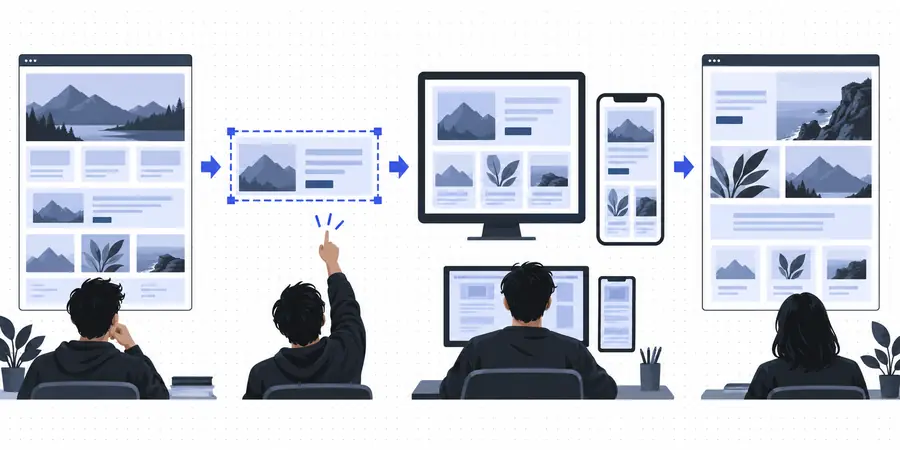
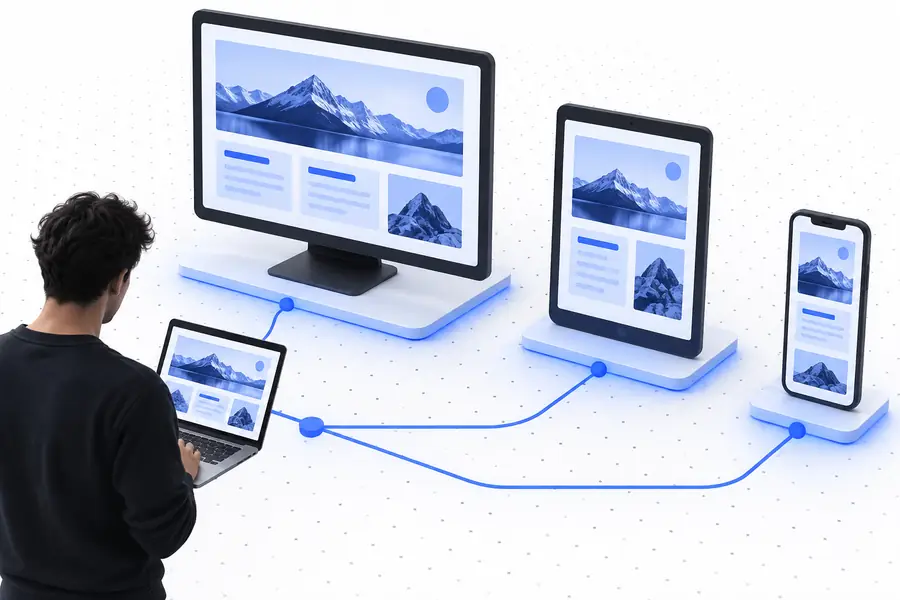
Keep the structure useful; make the identity original.
Practical use cases
Different people use the same method for different jobs. In each case, the website cloner handles the first-pass structure while the owner supplies the judgment, content, and final polish.
You need a fast starting point for a concept review and want to show a client several directions before investing in a full design system.
Turn a reference into a rough, editable prototype, then replace every visual and message that belongs to the client’s brand.
clone website onlineYour current site is difficult to update, but a better public page gives you a clear model for navigation, sections, and calls to action.
Use a website cloner to map the useful structure, then rebuild it around your own services, location, proof, and contact path.
website cloner freeYou want to understand how a polished page is organized without starting with a blank editor or copying a production codebase.
Study the layout as a learning exercise, inspect the responsive result, and rewrite the implementation in your own words and components.
what is website cloner onlineA campaign needs a landing page quickly, and an existing page offers a useful pattern for section order and information density.
Create a campaign draft, replace the promise and evidence, connect your approved form, and validate that the page serves your audience rather than imitating another brand.
free website cloner alternativeA website cloner is most useful when it removes the blank-page problem without removing your judgment. Bring a public reference, describe the changes that matter, and use the first draft as material for an original result.
Common questions
These answers cover the practical and ethical decisions that come up when turning a website reference into a site you can actually use.
Use the reference for structure, flow, and layout ideas rather than for identity. Replace its name, logo, wording, imagery, colors, typography, and distinctive illustrations with original or properly licensed alternatives.
Recreating a general layout or using a page as a learning reference is different from impersonating a business or republishing protected material. Get permission when required, avoid confusing visitors, and consult a qualified professional for a specific legal assessment.
It can help create a useful draft from a visible page, but one page rarely reveals private logic, database behavior, hidden routes, or every responsive state. Treat the output as a starting point and rebuild missing functionality with systems you control.
Change the brand identity and the main message first, because those determine whether visitors understand who you are and what you offer. Then replace images, links, forms, metadata, and interaction details before refining spacing and visual polish.
Open it on narrow and wide screens, navigate with a keyboard, check headings and labels, submit every form, and test links and buttons. Also review performance, image rights, analytics settings, and any text that could make the site appear affiliated with the reference.