Designers
Use a reference page to study spacing, hierarchy, sections, and responsive composition before creating an original direction.
You get a concrete layout to critique instead of a blank canvas.
what is website cloner onlineStart with a URL
A website cloner free of unnecessary steps helps you turn a reference page into a practical starting point. Paste a public URL, review the captured structure, and continue refining the parts that matter.
The workflow is useful when you need a visual starting point, not a perfect production copy. Choose the route that matches your goal and keep the next edit obvious.
Use a reference page to study spacing, hierarchy, sections, and responsive composition before creating an original direction.
You get a concrete layout to critique instead of a blank canvas.
what is website cloner onlineTurn a client reference into a discussion-ready draft without rebuilding every section by hand first.
You can confirm the structure early and spend more time on content and polish.
clone website onlineExplore a landing page idea from a public URL when testing positioning, page flow, or a new product concept.
A fast visual prototype makes the next product conversation more specific.
website cloner aiInspect how a page is organized and use the result as a study reference for sections, patterns, and interaction ideas.
You learn by comparing the source with a working draft rather than reading abstract advice.
how to clone a website and make it your ownThe process is intentionally short: provide a source, inspect what was produced, then decide what to keep, change, or rebuild.
Paste a public page URL or describe the kind of page you want to recreate. A focused input gives the workflow enough context to begin.
Check the draft for its main sections, visual order, text areas, and obvious assets. Treat it as an editable reference, not a finished site.
Replace copy, imagery, branding, and interaction details. Keep the useful structure while changing the result into an original page for your project.
See how a browser-based workflow can turn a public page into an editable first draft.
Start with the source address when the page you want to study is already published online.
Compare a URL-led workflow with an AI-assisted approach for generating page structure.
Follow a practical path from visual reference to a more original, usable implementation.
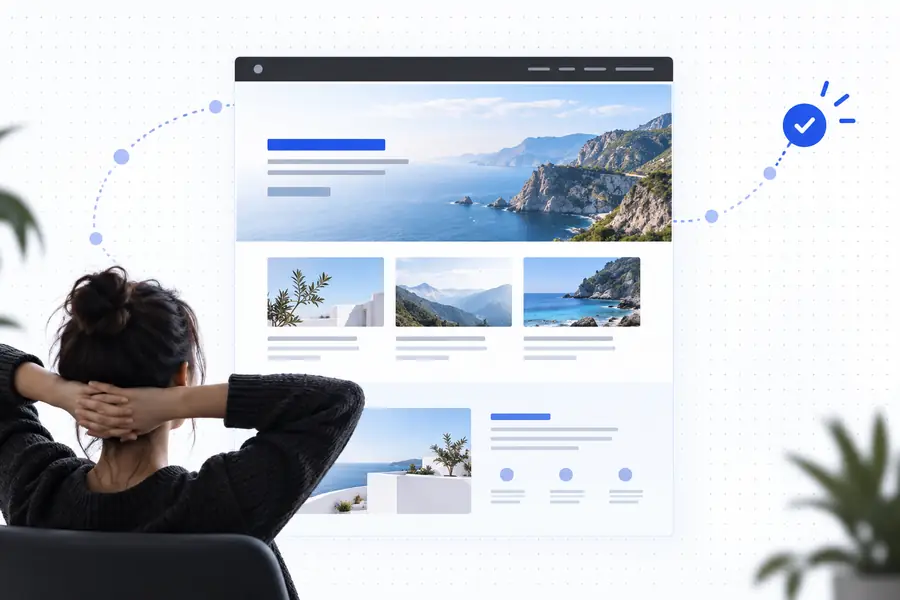
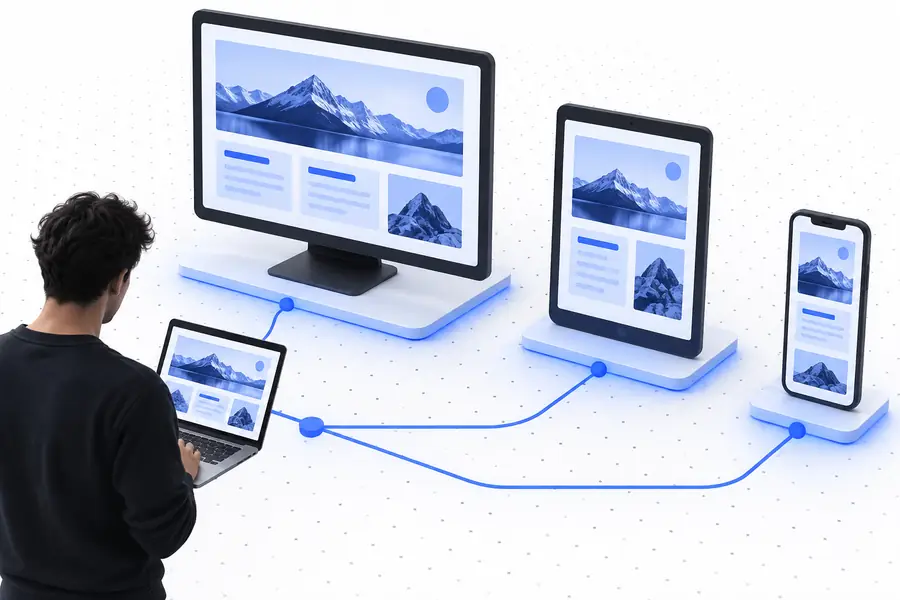
Use the pair as a direction check, not a promise of pixel-perfect duplication.
Free access removes much of the initial friction, but it does not remove the need for judgment, permission, or implementation work.
Fonts, dynamic behavior, hidden states, responsive rules, and unavailable assets may not transfer exactly from a public page.
WorkaroundUse the draft for structure, then tune typography, spacing, media, and breakpoints in your own implementation.
A page behind authentication, a paywall, a robots restriction, or a local network is not reliably available for inspection.
WorkaroundUse a public reference or provide a description of the layout and content you need.
A recreated structure still needs your own words, images, brand system, data, and product-specific interactions.
WorkaroundTreat the output as a scaffold and replace borrowed material before publishing.
Having technical access to a public page does not grant rights to copy protected branding, text, images, or code.
WorkaroundClone patterns for learning or prototyping, and obtain permission or create original assets for public use.
Use the free workflow to move from a public reference to a useful first draft. The important work still belongs to you: choosing what fits, replacing what does not, and making the final page original.
This workflow is designed to let you begin without adding payment or account friction. Availability can depend on the page and the current tool experience, so treat the result as a starting draft rather than a guaranteed unlimited service.
You can use a public page as a visual reference for its sections, hierarchy, and general layout. The result may not include private content, unavailable assets, dynamic behavior, or every responsive state from the original.
No. Public access does not guarantee that a page can be captured, and technical access does not grant permission to reuse protected text, images, branding, or code. Use references responsibly and create original material for anything you publish.
You can begin with a URL or a plain-language description, so advanced coding knowledge is not required to create a first draft. Some editing skill is still useful when you want to adjust responsive behavior, interactions, accessibility, or production code.
Usually, it should be treated as a prototype or editable scaffold rather than a finished site. Review the structure, replace content and assets, check mobile layouts, and test every interaction before publishing.